
Property targets
Ranges, minimums, maximums and “as close as possible to” — per property, with a weight for what matters most.
DesignFLOW is the molecule and material design workspace in InFLOWS AI. Describe target properties and constraints; it proposes candidate structures and formulations, ranks them with predicted properties, uncertainty and synthesizability, and hands a shortlist to your lab — with you deciding at every step.

Design brief · example
Constraint: no halogenated monomers
How it works
Inverse design in four steps — built around how R&D teams already decide what to make next.
Set target properties as ranges, minimums or trade-offs, then add hard constraints — elements to avoid, cost ceilings, process limits.
DesignFLOW proposes structures and formulations that aim at your targets, exploring beyond the obvious nearest neighbours.
Every candidate gets predicted properties with uncertainty bands, a synthesizability view and the reasons behind its rank.
Shortlist, annotate and export the candidates you choose. Results you log later can sharpen the next round.
Capabilities
DesignFLOW keeps the brief, the candidates, the evidence and the decision together — so the reasoning behind a shortlist doesn't live in someone's head.
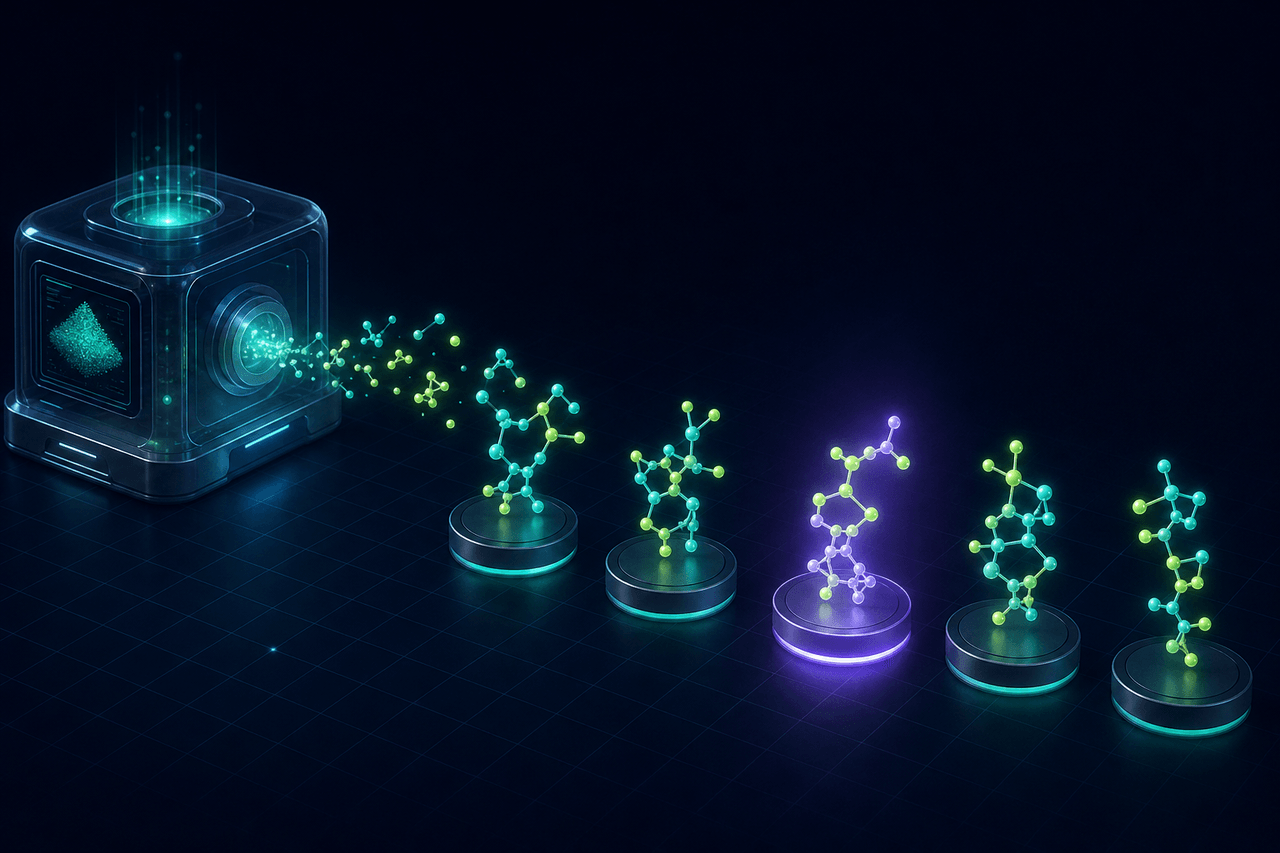
Generate
DesignFLOW is designed to propose new structures and formulation recipes that fit a multi-property brief — and to show how far each one strays from what you asked for, so you can steer the next round.
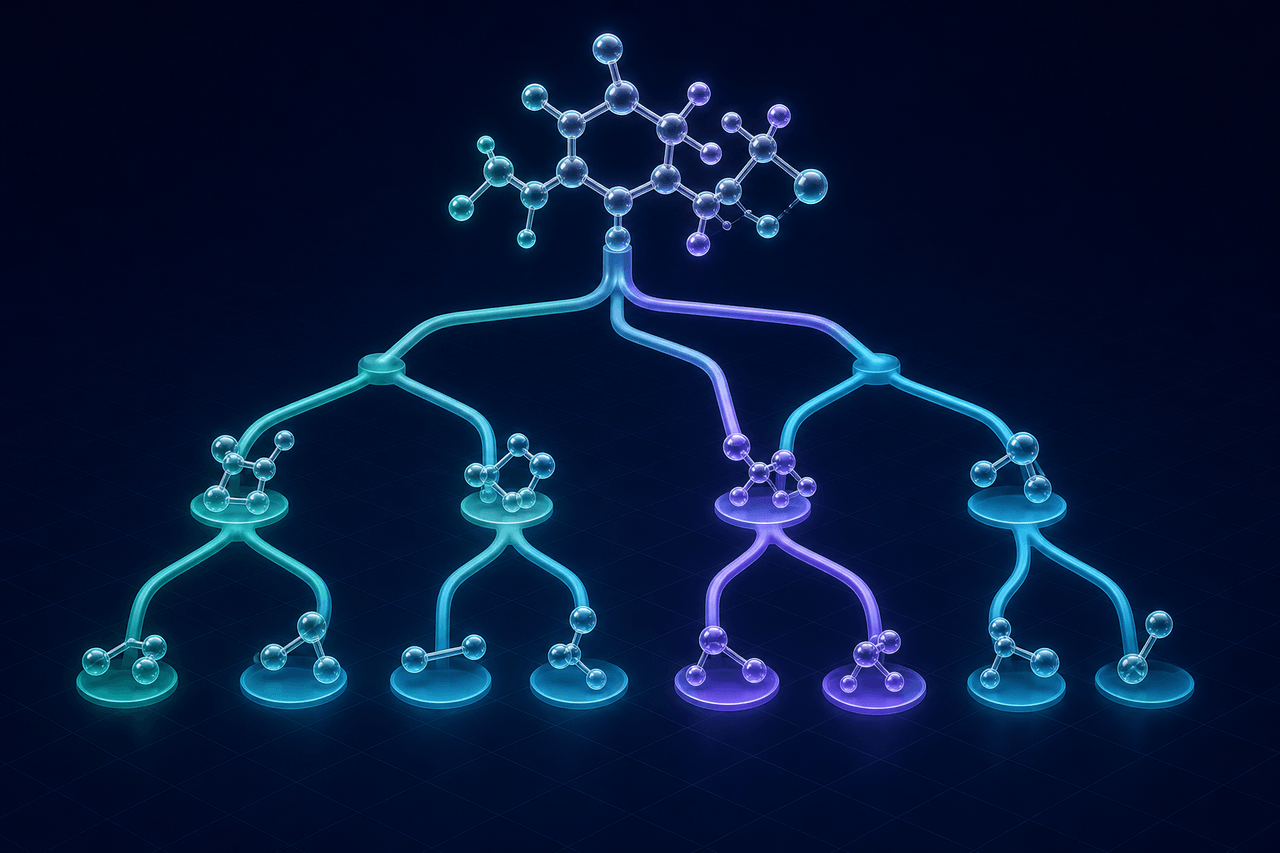
Make it real
A great property profile means little if nobody can make it. Each candidate carries a synthesizability view and, for molecules, sketch routes back to available building blocks — the same route-design thinking InFLOWS AI applies across DesignFLOW.
Ranges, minimums, maximums and “as close as possible to” — per property, with a weight for what matters most.
Exclude elements or substances, cap cost or step count, keep to a processing window or a regulated list.
Predictions come with an interval and a note when a candidate sits outside the data the model knows well.
See which targets pulled a candidate up or down, and re-rank instantly when you change the weights.
Design single structures, polymer repeat units or multi-component formulations within the same brief format.
Export a shortlist with structures, predicted values and your notes to a file your team and ELN already read.
Workflow walkthrough
This is how a design round feels in DesignFLOW. Pick a material class, adjust the targets and the synthesizability weight, and see candidates re-order with their predicted values and uncertainty.
Targets
Ranking weights
Top pick: PF-07 · Furan-dicarboxylate polyester
Illustrative only: fictional candidates and a simple scoring formula running in your browser. Values in lime are within 8 % of the target range. Real DesignFLOW rounds use models trained for your material class and always show their evidence.
Use cases
The same loop — targets, constraints, candidates, evidence — applies whether you design a molecule, a mixture or a material.
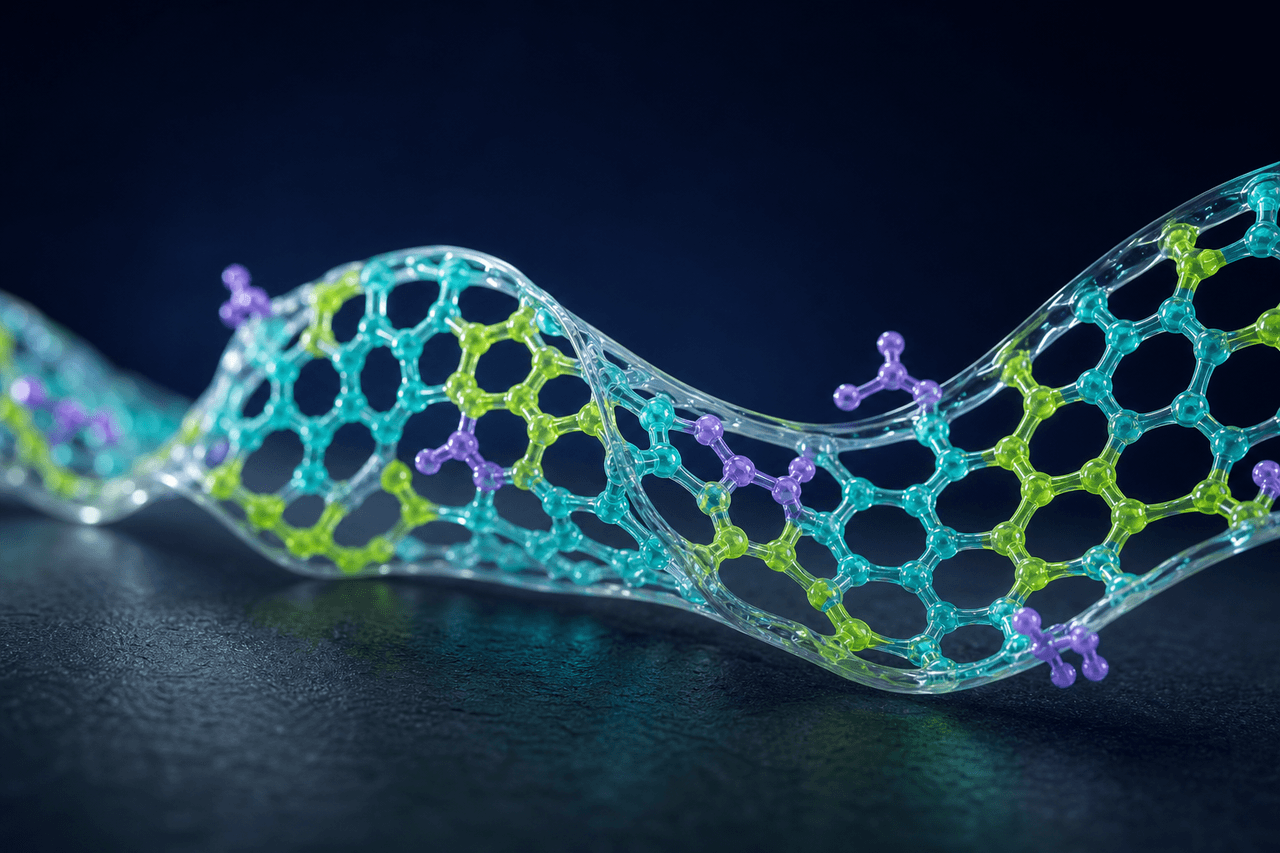
Balance glass transition, stiffness, toughness and bio-based content when designing new repeat units, copolymers or blends.
Example brief · Target: Tg ≥ 120 °C, modulus 2.5–3.5 GPa, ≥ 60 % bio-based
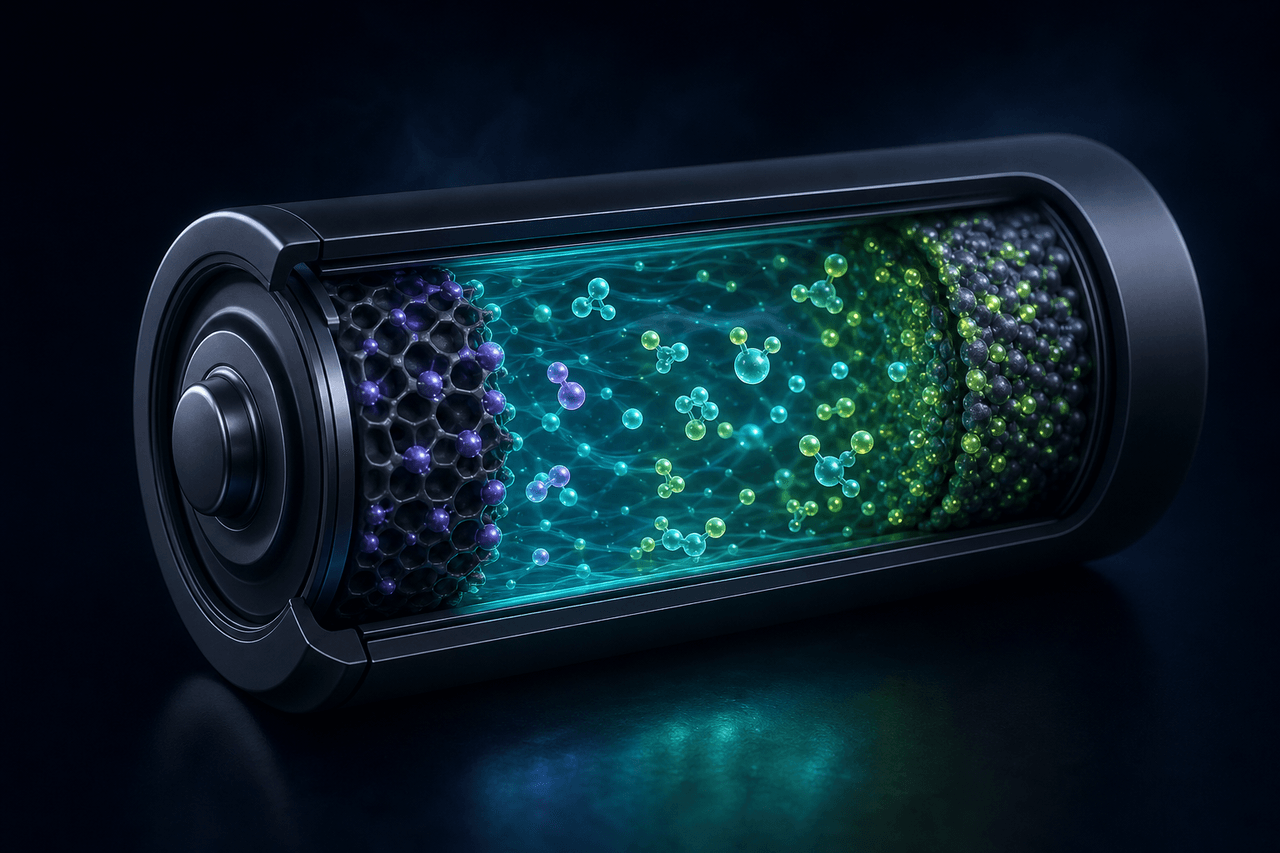
Screen solvent and salt combinations for conductivity, electrochemical window, viscosity and safety before mixing a single batch.
Example brief · Target: conductivity ≥ 8 mS/cm, oxidation stability ≥ 4.5 V, non-flammable
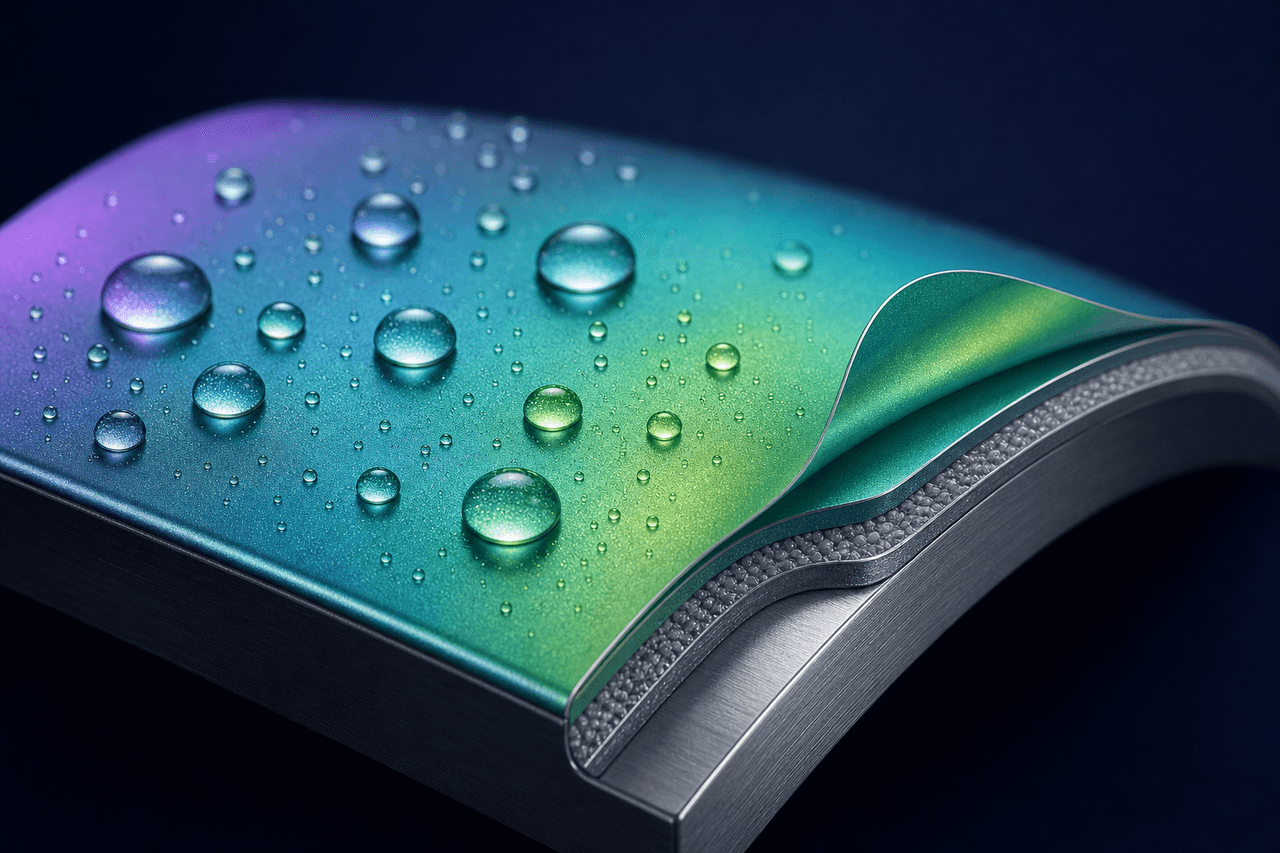
Explore binders, additives and crosslinkers for adhesion, hardness, barrier performance and cure conditions under VOC limits.
Example brief · Target: water contact angle ≥ 110°, cure ≤ 80 °C, low VOC

Optimise multi-ingredient recipes — ratios, actives, stabilisers — for stability, performance and cost with a restricted-substance list applied.
Example brief · Target: shelf stability ≥ 24 months, viscosity window, cost ceiling
Security & data ownership
Design briefs reveal what you are working on before anyone else knows. DesignFLOW is built on the same principles as the rest of InFLOWS AI.
Targets, structures, formulations and lab results you bring serve your workspace. They are not used to train shared models.
Candidates are suggestions with their evidence attached. A qualified scientist chooses what moves to the bench.
DesignFLOW does not drive instruments, place orders or start experiments. Every step to the lab is a human one.
Take your briefs and shortlists with you in open formats, or ask us to delete your account and data.

Part of InFLOWS AI
DesignFLOW is one of three modules in InFLOWS AI. Design a candidate here, find a safer reagent for it in SwapFLOW, and check what your lab already knows in CoChemist.
Molecule & material design
Targets and constraints in, ranked candidates with route sketches out. You are here.
Reaction & reagent swaps
Greener, safer or more available alternatives to a reagent, solvent or condition, with trade-offs flagged.
Lab-notebook assistant
Plain-language questions across your own notebooks and reports, answered with citations.
FAQ
You describe the properties and constraints you need; DesignFLOW proposes candidate molecules, materials or formulations, ranks them with predicted properties, uncertainty and synthesizability, and helps you export a shortlist for the lab.
DesignFLOW is in early access. You can create a free account now and set up design briefs in your workspace; live candidate generation is being switched on with early-access partners first, and your workspace is where it will appear.
No. The interactive walkthrough uses a small set of made-up candidates and a simple scoring formula that runs in your browser. It shows how ranking, uncertainty and synthesizability fit together — not what the model would predict.
As hypotheses to test. Every predicted value comes with an uncertainty band, and candidates far from known data are flagged. A qualified scientist reviews and decides what is worth making.
The brief format is built for small molecules, polymers, electrolytes, coatings and multi-ingredient formulations. If your problem sits somewhere else, tell us — early-access partners help decide what comes next.
Your briefs, structures and results serve your own workspace and are not used to train shared models. You can export or delete them at any time. See the Privacy Policy for exactly what is stored today.
Sign up, then email hello@inflows-ai.com with a short note about your team and the design problem you want to solve. The contact page has a ready-made partner inquiry template.
Create a free account, write your first design brief, and tell us what you would want DesignFLOW to solve first.